For instructors
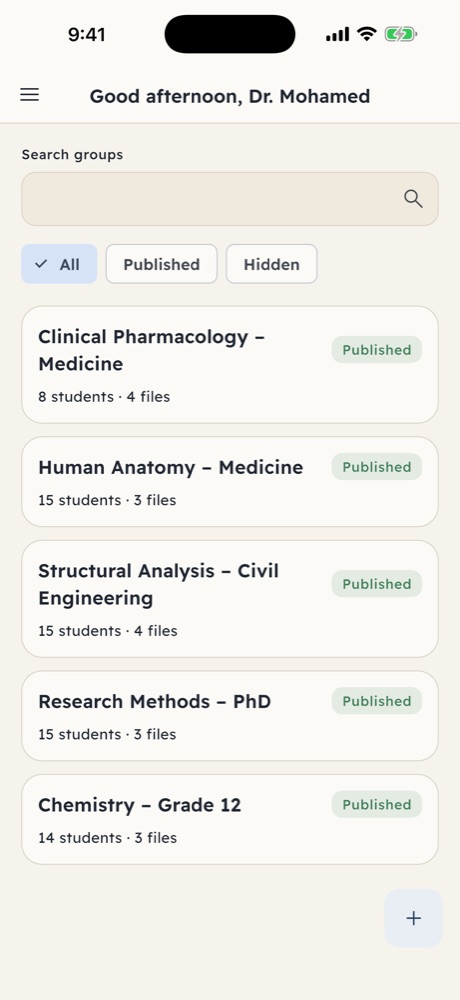
- Create a group for each class or course.
- Add students by phone number — only they can join.
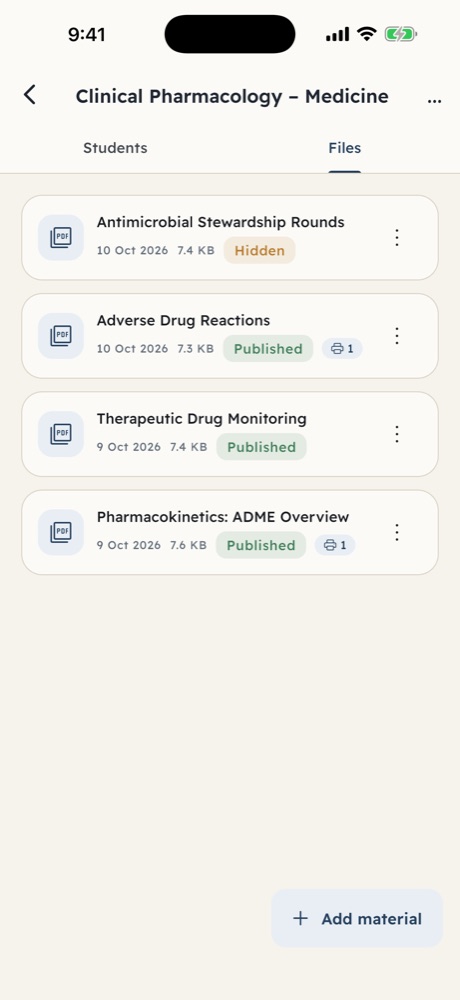
- Upload PDF materials and publish or hide them anytime.
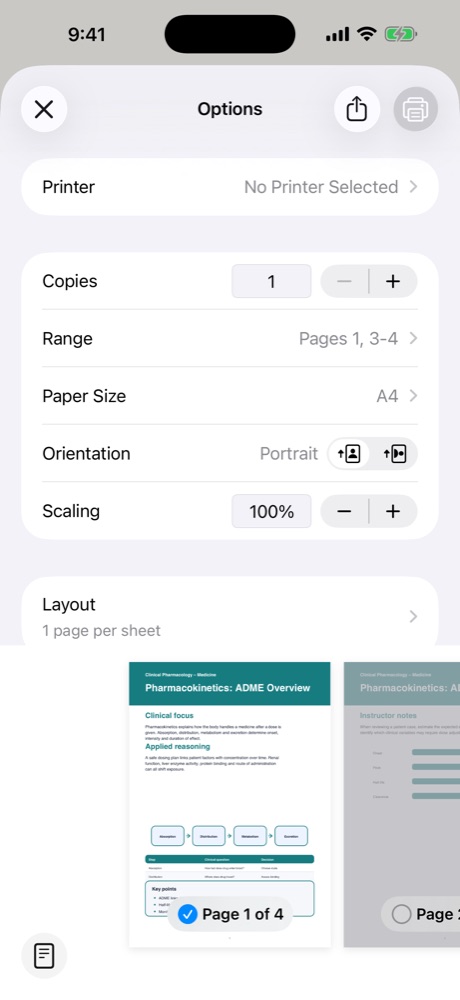
- Allow printing when you want — every print is recorded.

Secure PDF learning
EduSecure gives instructors private groups for their PDF materials, and gives students a secure reader with real study tools — in Arabic and English.
How it works
Features
Organise every class in its own group, with its own students and files.
Invite from your contacts or type numbers. Only selected contacts are used.
Control when each group or file is visible — change it in one tap.
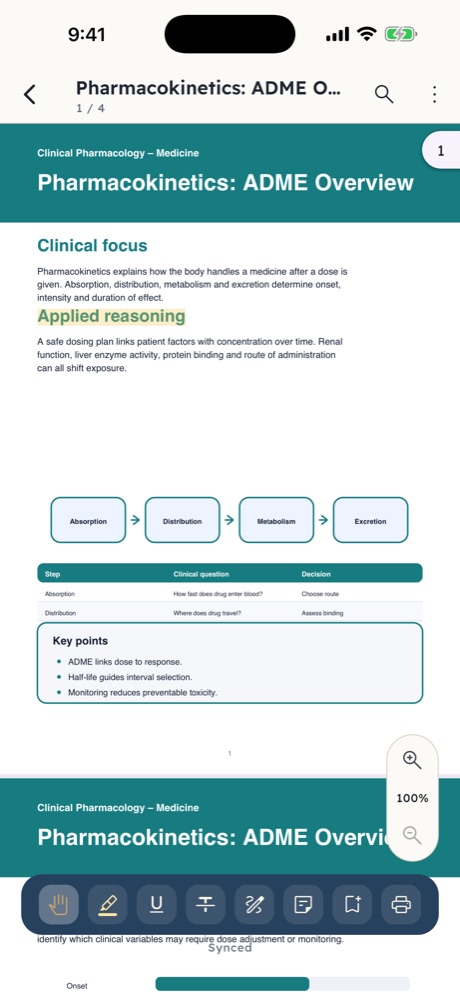
Search, zoom, reading modes and resume where you left off.
Private highlights, notes, pen marks and bookmarks inside the app.
Printing only when the instructor allows it, with every print attempt logged.
Full right-to-left and left-to-right layouts, light and dark modes.
No ads and no in-app purchases.
Protection
Online access is required to open files.
Inside the app
FAQ
Instructors who share PDF materials with their students, and the students who study from them.
The instructor adds them by phone number. Students sign in with that number and see only their groups.
No. The app has no download, share, export or open-in-another-app actions. Screen capture is restricted where the device supports it.
Only if the instructor allows it. Every print attempt is recorded.
Yes. EduSecure is free to download, with no ads.
Free on the App Store for iPhone and on Google Play for Android.

Download EduSecure free and create your first group in minutes.